


Editing video on a phone is convenient, but as a project grows, the small screen starts to feel cramped: dozens of clips, music, captions and effects simply don't fit. To solve this, Instagram has introduced a desktop version of its Edits app. Reels and other videos can now be edited directly on a Mac and published straight to Instagram.
What happened
On November 5, 2026, Instagram officially launched the Mac version of its Edits video editor. Edits first arrived on phones in April 2025, and according to the company, more than 50 million creators already use the mobile version. The new desktop app is free, and signing in requires an Instagram account.
TechCrunch describes the move as direct competition with CapCut, which has offered Windows and Mac versions since 2021.

Key details
- Price: the app is free, and exported videos carry no watermark.
- Computer: Macs with Apple silicon only (M1 and newer). There is no Windows version yet.
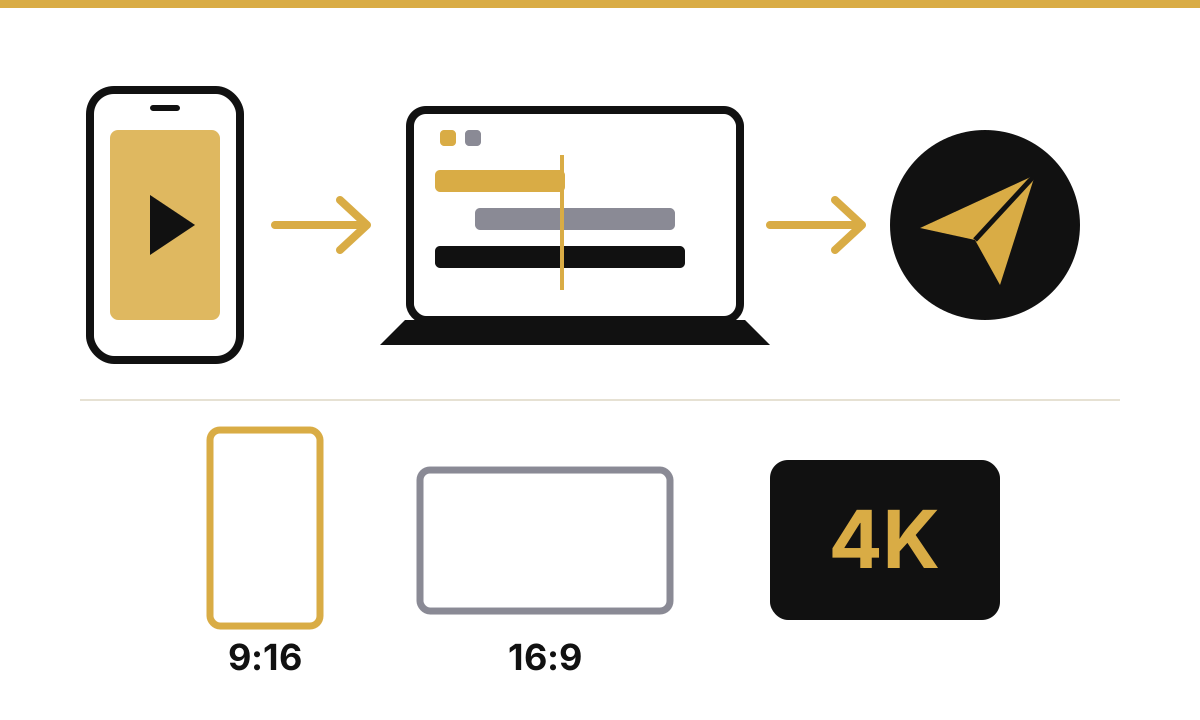
- Editing: a multi-track timeline, keyframes and precise cuts using audio waveforms.
- Color: color wheels, curves and LUT preset import.
- Text and sound: licensed royalty-free music, sound effects, automatic captions in multiple languages and custom font uploads.
- Workflow: custom keyboard shortcuts, or shortcuts imported from other editing software.
- Publishing: videos can be posted to Instagram directly from the Mac, with tags and location.
- Export: vertical and horizontal formats, up to 4K.
Audio and text styles saved on your phone carry over to the desktop. However, you can't yet switch the same project back and forth between phone and Mac — Instagram says it is working on that. The company plans to ship weekly updates to the desktop app.
What it means for users and businesses in Azerbaijan
In Baku and across the regions, many small businesses produce their ad videos on a phone. That is fast, but it falls short for long product reviews, interviews or footage from several cameras. Edits for Mac offers a free alternative: professional editing tools with no subscription and direct publishing to Instagram.
Watermark-free 4K export lets you reuse the same video not only on Instagram but also on TikTok, YouTube or your website. Automatic captions make the message clear for viewers who watch without sound.
Teams that work on Windows will have to stick with mobile Edits or other software for now.
Practical tips
- Check that your Mac has Apple silicon (M1 or newer): Apple menu → "About This Mac".
- Tidy up the text and audio styles you use in mobile Edits — they will carry over to the desktop.
- Pick one LUT preset and one font for your brand, and keep the same look across all videos.
- Always review automatic captions: names and terms in Azerbaijani may be transcribed incorrectly.
- Export one video in both vertical (Reels) and horizontal (YouTube, website) formats — two pieces of content from one shoot.
- Assign keyboard shortcuts to the actions you use most — editing time will drop noticeably.
Tip: before publishing, pay special attention to the first 3 seconds of your video — that is often where viewers decide whether to stay.
Summary
Instagram Edits is now available for free on Mac: multi-track editing, color correction, automatic captions, 4K export and direct publishing to Instagram. For now only Apple silicon Macs are supported, and there is no Windows version. For small businesses and content creators, it is a free and capable option.
If you have questions about video content and ad strategy for Instagram, message us on WhatsApp. To manage messages and comments from one panel, try BlackArmy CRM.