
Having your Instagram account suddenly shut down is one of the worst things that can happen to a business: followers, messages and ad campaigns all become unreachable at once. The good news is that most accounts can be restored through official channels. The key is not to panic, not to take the wrong steps, and to follow Meta's own procedure properly.
First, pin down what actually happened
"My account was closed" can mean several different things, and each has its own fix:
- Account disabled. Meta believes the rules were broken. When you log in you see "Your account has been disabled" and an option to appeal.
- Temporary restriction. Some features (following, commenting, messaging) are blocked for a while. These usually lift on their own.
- Account hacked. Someone changed the password or email. The recovery route here is completely different.
- Ad account restricted. The Instagram profile works, but you can't run ads. That's a separate Business Manager issue.
Why accounts get shut down
- Buying fake followers, likes or comments
- Auto-follow/unfollow tools (bots)
- Too many identical actions in a short time: hundreds of messages, follows, comments
- Using someone else's name or brand
- Copyright complaints (someone else's music, video or photos)
- Suspicious logins: from another country, a new device, or through a VPN
- Advertising prohibited products or services
Restoring a disabled account: 5 steps
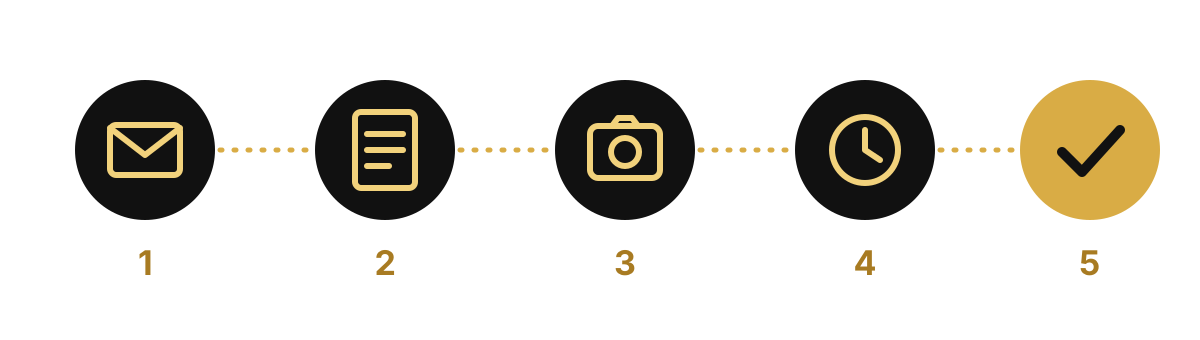
- Read the notice carefully. Log in and check the stated reason. Also check emails from Meta (including the spam folder).
- Appeal. In the app, tap "Disagree with decision". Meta usually gives you 180 days to appeal, but don't wait.
- Confirm your identity. You'll often be asked for a video selfie or an ID document. Record in good light with your face clearly visible.
- Wait. A response can take anywhere from a few days to a few weeks. Don't submit the same appeal over and over.
- Secure the account once it's back. Follow the security steps below without fail.
Don't trust anyone who promises to "unlock your account for a fee". There are no "inside contacts" outside Meta's official channels — most of these offers are scams.
If your account was hacked
- Instagram's "your email was changed" message usually includes a "this wasn't me" link — tap it straight away
- On the login screen, start the hacked-account procedure under "Get help logging in"
- Once you're back in, log out of all active sessions and change your password
- Check the connected Facebook Page and Business Manager too
How to protect your account in advance
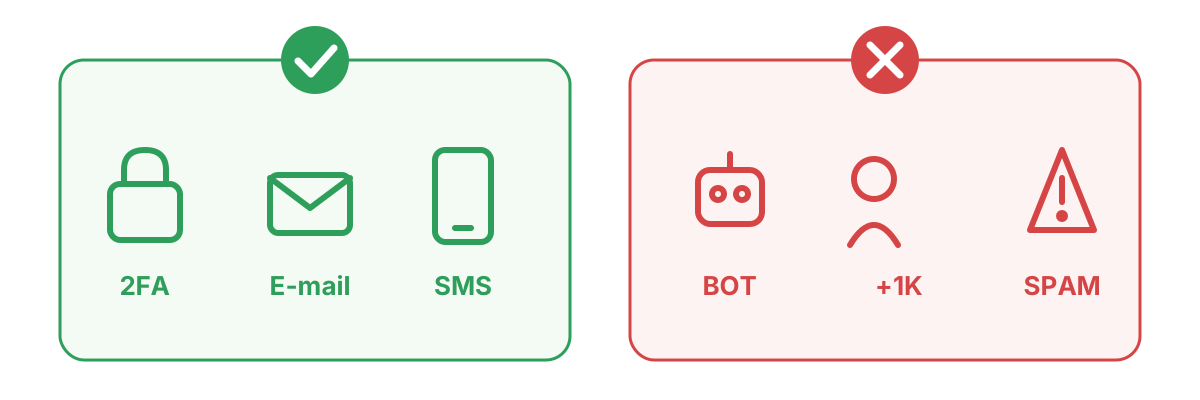
- Turn on two-factor authentication (2FA), ideally with an authenticator app
- Keep your email address and phone number up to date
- Give access only to people you trust; where possible, assign roles through Business Manager
- Don't buy followers and never give your password to bot services
- In ads and posts, use only music, photos and videos you have the rights to
- Keep a backup of important content (photos, customer lists)
An extra risk for businesses: customer messages
When an account goes down, the biggest loss often isn't followers but your conversations with customers: who ordered what, who you sent a quote to — all gone. That's why customer messages should live in a separate system. BlackArmy CRM collects Instagram, Facebook and WhatsApp conversations in one inbox and keeps each customer's history, so contact details aren't lost even if something happens to the account.
In short
- First work out what happened: disabled, restricted, hacked, or an ad account issue
- Use only the official appeal route and don't miss the deadline
- After recovery, set up 2FA and backup contact details
- Keep customer conversations somewhere that doesn't depend on the account
If your account or ad account has been shut down, message us on WhatsApp — we'll assess the situation together and prepare the official appeal properly.